
Productivity Strategies•12 min read
Task Chunking: Break Big Work Into Next Actions
Break a large task into smaller actions you can estimate and start. Includes planning examples for study, creative work and business projects.
Read more
Practical ways to choose your next task and plan a day that fits.
Try the free daily planner or get the reusable worksheet.
Break a large task into smaller actions you can estimate and start. Includes planning examples for study, creative work and business projects.

Keep coursework in one task list. Separate assignments, project steps and exam preparation, then choose the next action for each course.

Compare a minimal task app with a paper planner for coursework. Consider capture, reviews and how you prefer to keep assignments visible.

Build a student assignment routine: capture the next action, keep course work together and review your list alongside your calendar.

A TinyOrange product overview from its own team. See how a small personal task workspace fits solo development and where a larger tool may be needed.

Keep a personal development list with clear next actions. Consider when a small task app fits and when issue tracking needs a larger system.

Consider a task app for writing deadlines, drafts and next actions. Keep daily planning separate from the tools you use to write and edit.

Organize writing projects into next actions. Keep drafts, revisions and publishing steps visible without turning the task list into a writing tool.

Keep writing tasks, project notes and focus sessions together. Use a small personal list to plan the next draft, revision or submission.

Consider visual clarity, easy capture and maintenance when choosing a task app. Personal organization tools do not replace clinical ADHD care.

Reduce an overwhelming list to a specific next action. Use smaller steps and a short daily plan without treating an app as a mental health treatment.

Use a small, consistent set of task colors if visual cues help you. Keep labels readable and remember that task apps are not ADHD treatment.

Consider whether your personal task list needs boards and databases or a simpler workspace. Compare workflow needs before moving your tasks.

Keep each client project visible with next actions and useful notes. Plan work across clients and use your calendar for deadlines that need alerts.

Keep coursework, classes and personal commitments visible. Make room for rest and adjust the plan when the workload does not fit.

Turn an academic goal into study actions and review points. Use clear milestones while keeping grades and outcomes separate from planning promises.

Keep your own next actions and handoff notes alongside your team's shared system. TinyOrange is a personal workspace, not a team assignment tool.

Keep daily operations and business projects visible. Identify next actions, review commitments and choose work that fits your capacity.

Break exam preparation into topics, practice and review actions. Plan revision around the time available without promising a particular score.

Keep business operations and longer-term projects visible. Choose next actions, review commitments and plan around the time available.

Create a personal system for capture, projects and daily reviews. Keep tasks actionable and store the context you need to resume work.
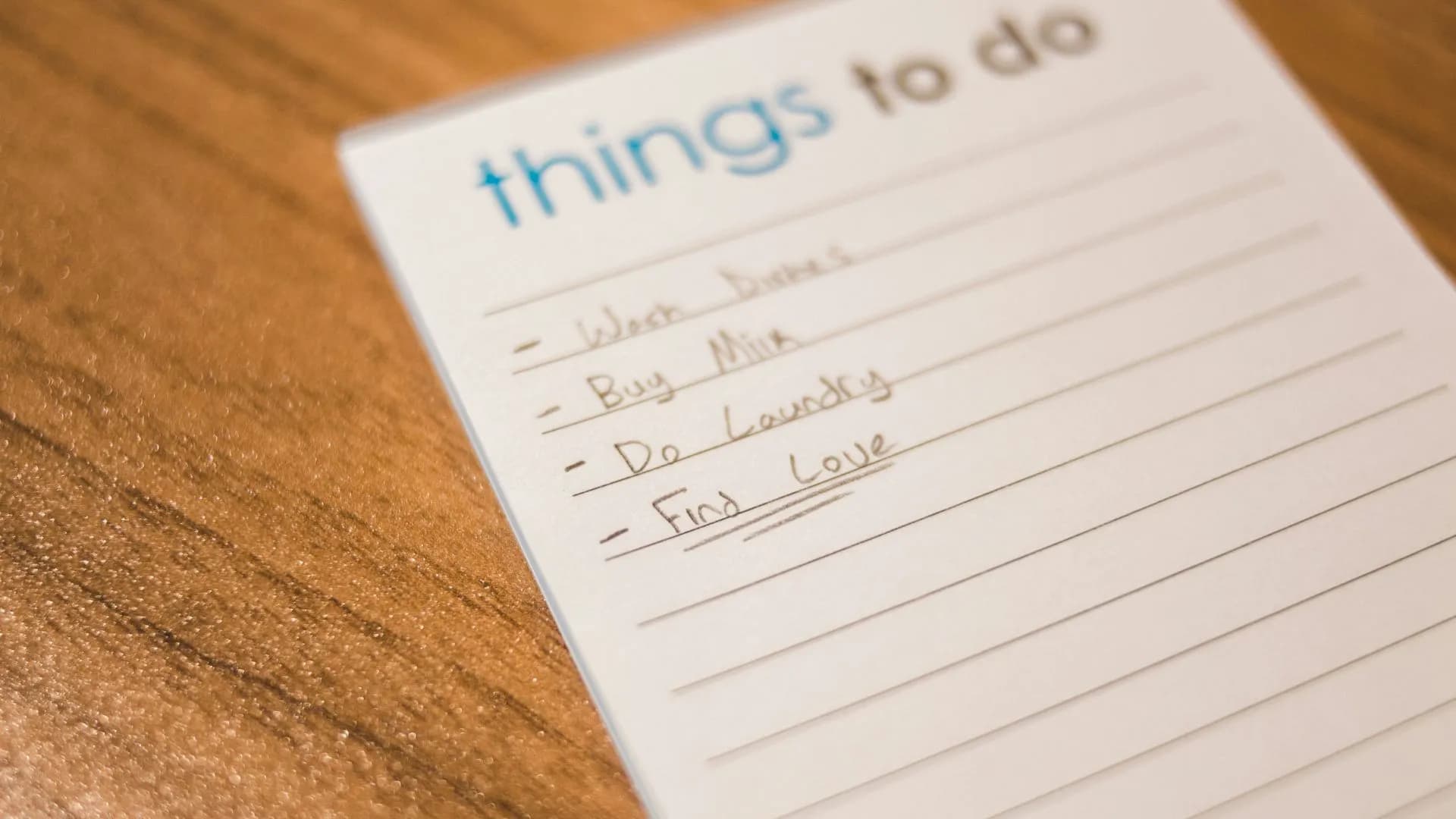
Create a personal task system with clear actions and a regular review. Keep the list useful without adding more organization work.
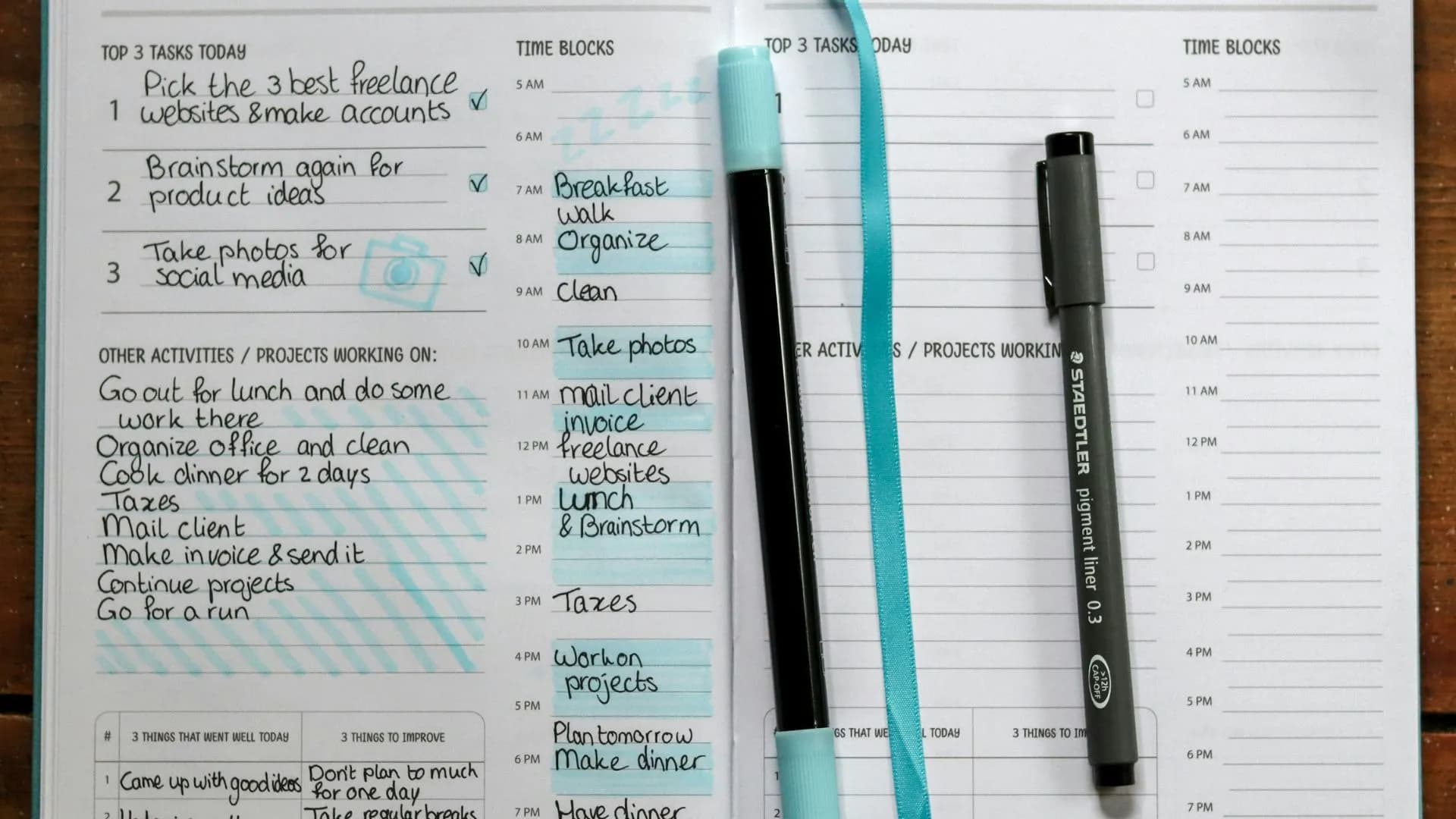
Consider a smaller task system when organizing work takes too much time. Keep useful context and choose tools that fit your actual needs.
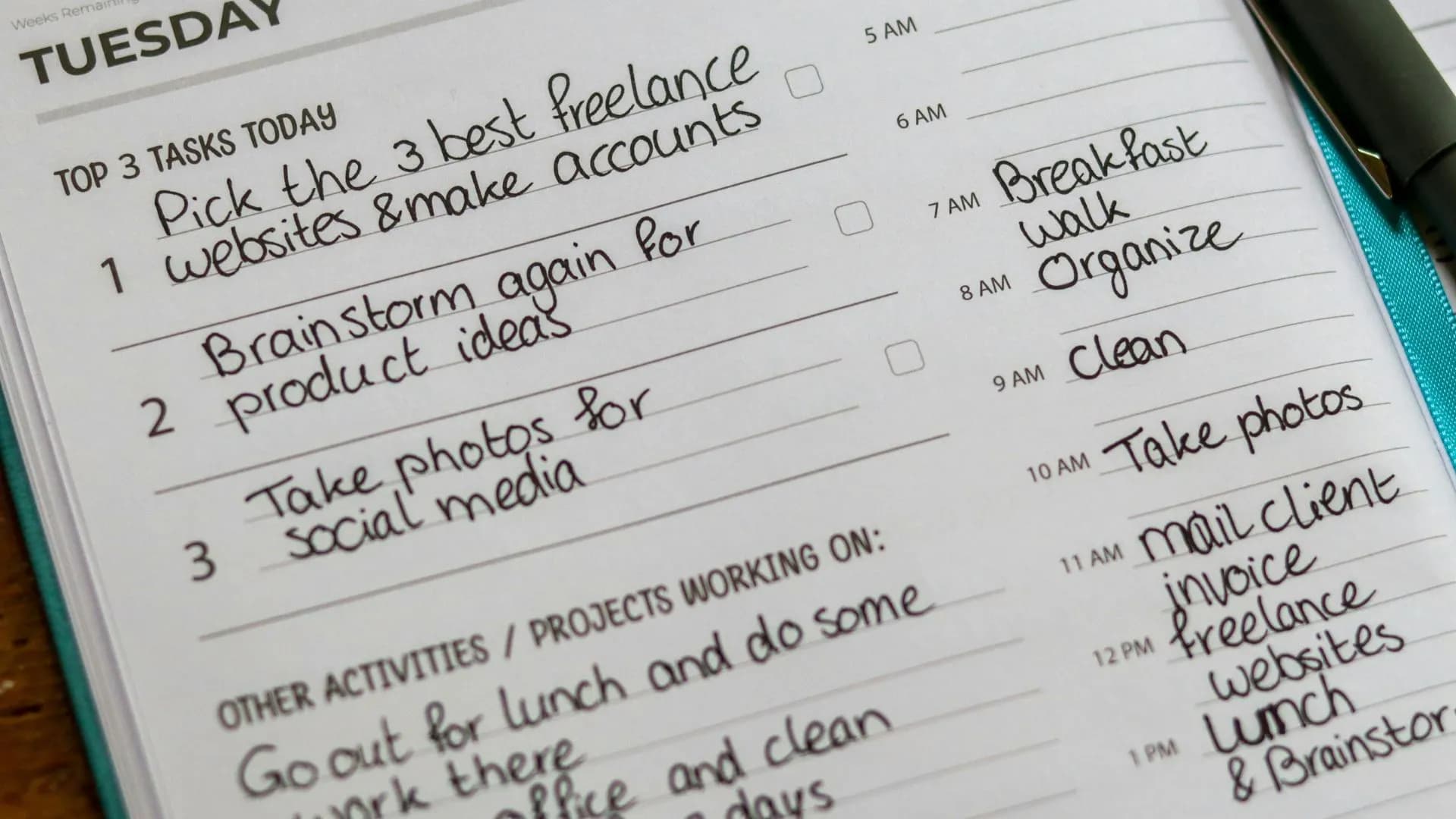
Explore task avoidance and ways to make the next action clearer. Use small steps and realistic planning without promising a productivity gain.

Organize assignments and study projects with specific next actions. Keep deadlines in your calendar and review the work that fits today.

Organize client work with projects, clear next actions and useful notes. Build a daily plan that fits your available time.

Compare five ways to prioritize tasks by urgency, impact and effort. Choose a method for your situation, then turn priorities into a daily plan.
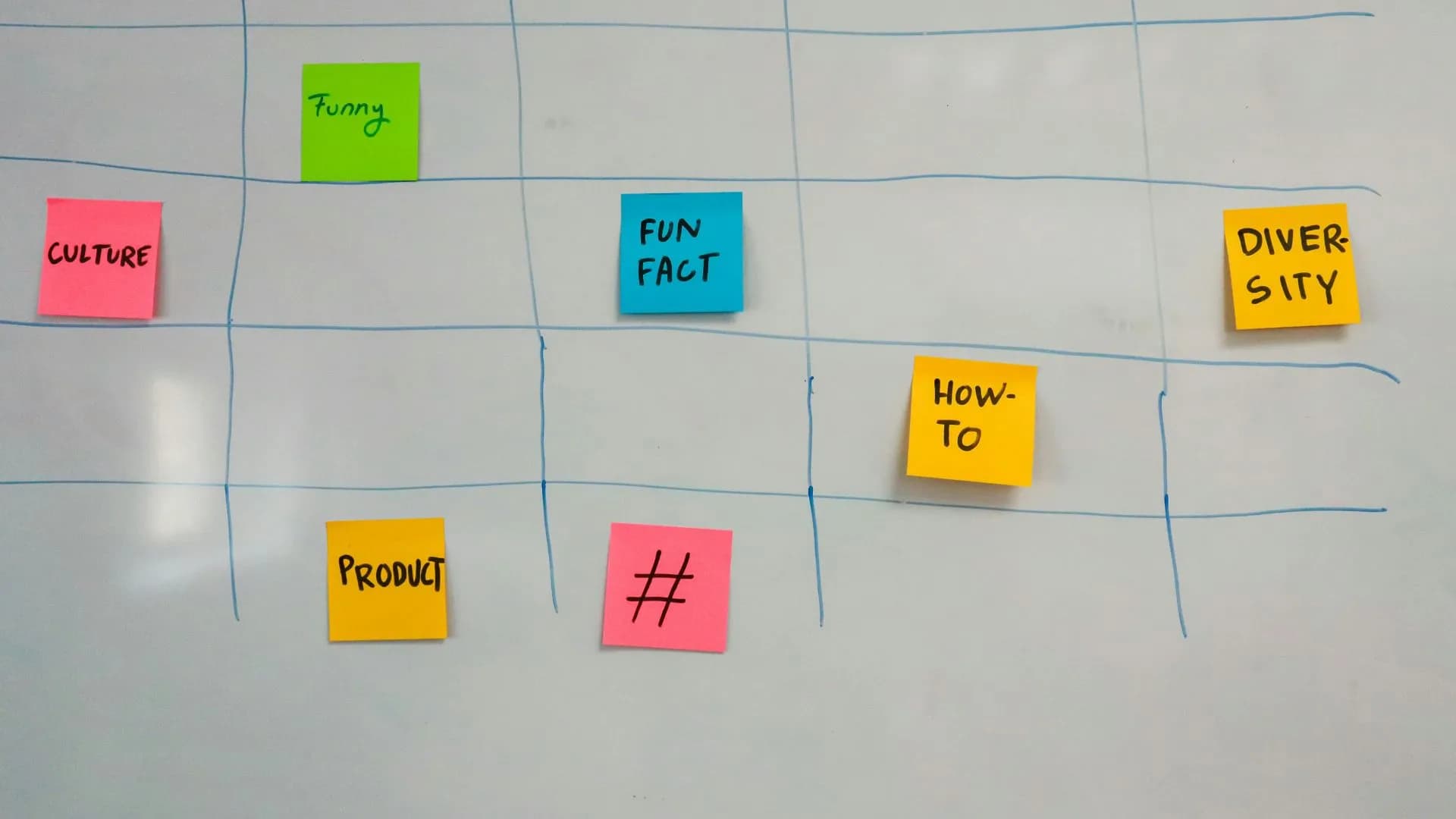
Choose a few consistent task colors to distinguish work at a glance. Pair colors with clear labels and avoid adding categories you will not maintain.

Organize creative projects, revisions and publishing work. Choose clear next actions and leave room for deadlines and interruptions.

Start with a short review, choose specific next actions and estimate what fits. Finish by updating your list and choosing tomorrow's first task.
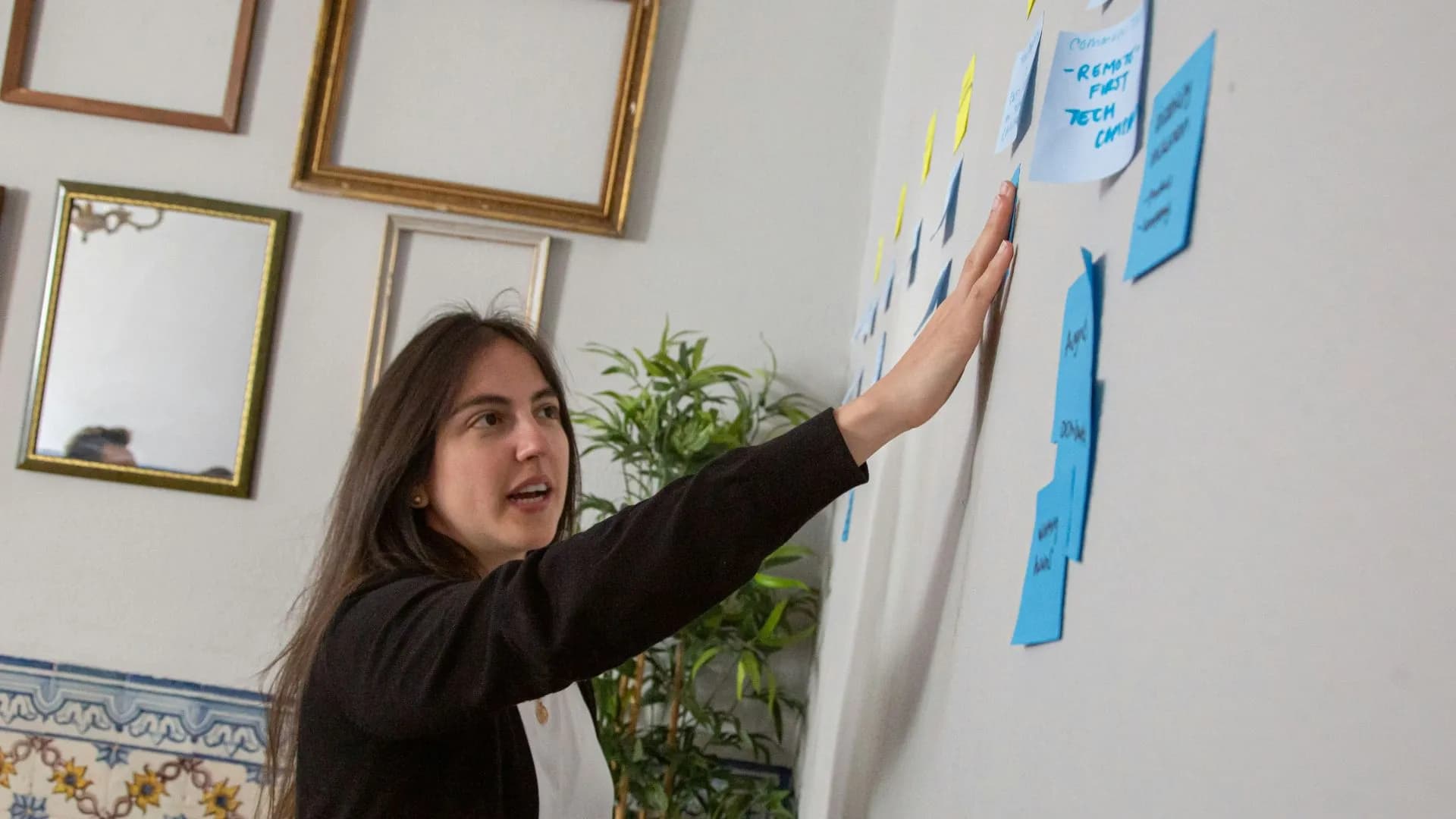
Compare task apps by your workflow: personal lists, notes, team handoffs and calendar needs. Choose the features you will actually use.

Plan study blocks around classes, work and rest. Estimate coursework and review commitments before filling your available hours.

Plan coursework around classes, work and rest. Keep study actions specific and review what fits before adding more to the day.

Separate client delivery, business upkeep and future projects. Choose specific next actions and build a plan around your available hours.

Write student tasks that tell you what to do next. Separate coursework, break down assignments and review your list alongside your calendar.